
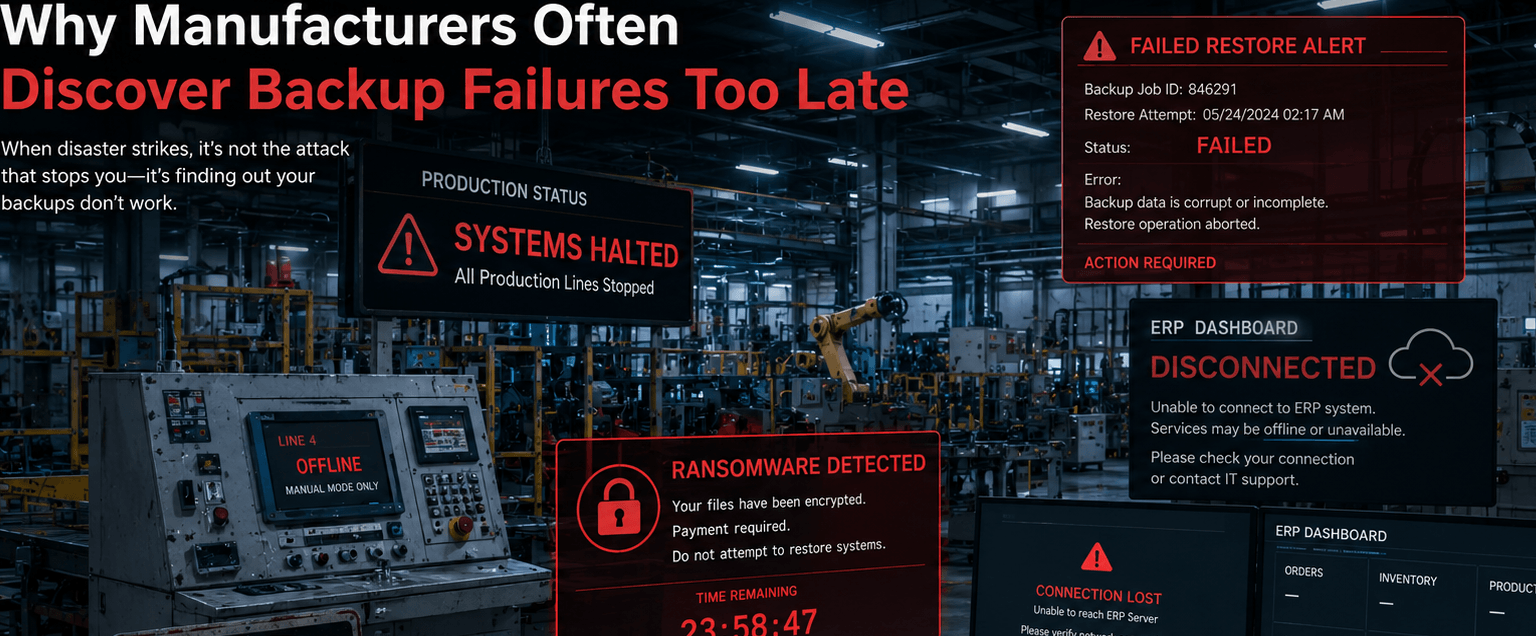
Many manufacturers assume their backups will work during a ransomware attack, server failure, or production outage until they actually need to recover critical systems. For manufacturers with 20–100 employees, a failed backup restore can delay operations for 8–48 hours or longer, leading to halted production, shipping delays, ERP synchronization failures, overtime labor costs, and lost revenue.
The problem is that many backup systems are never fully tested under real recovery conditions. Backups may appear successful while critical files are corrupted, recovery timelines are unrealistic, or production systems are excluded entirely. In manufacturing environments where operational uptime directly affects margins and customer commitments, backup failure is no longer just an IT issue. It’s a major business continuity risk.
The 5 Most Common Reasons Manufacturing Backups Fail
Many manufacturers believe “having backups” means they are protected. In reality, backup systems often fail because recovery readiness is never fully validated.
1.Backups Are Running But Restores Are Never Tested
This is one of the most common risks in SMB manufacturing environments. Many companies verify backups completed, receive backup success notifications, and assume recovery will work but never test full server restores, ERP recovery, production file recovery, and recovery timelines.
A backup that cannot restore production systems quickly is operationally ineffective.
2.Critical Manufacturing Systems Are Excluded
Manufacturers often discover too late that important systems were never properly backed up. Commonly missed systems include:
- ERP databases
- production scheduling platforms
- CAD and engineering files
- inventory systems
- machine configuration data
- quality documentation
This is especially dangerous for:
- furniture manufacturers using CNC workflows
- beverage companies requiring batch traceability
- textile mills managing production schedules
- plastics manufacturers dependent on ERP synchronization
Missing even one critical production system can delay recovery for days.
3.Recovery Takes Much Longer Than Expected
Many manufacturers underestimate data restoration time, server rebuild requirements, ERP, recovery complexity, network reconfiguration, and production system dependencies.
Backups may technically exist but restoring terabytes of production data, rebuilding servers, reconnecting applications, and validating operations can take far longer than expected.
A “working backup” is meaningless if recovery takes too long to support production schedules.
4.Ransomware Reaches Backup Systems
Modern ransomware attacks increasingly target backup appliances, network storage, connected, backup repositories, and administrative credentials.
Manufacturers operating flat networks without segmentation are especially vulnerable.
Without immutable backups, isolated storage, MFA, and backup segmentation, attackers may encrypt both production systems and backups simultaneously.
Many companies only discover backup exposure after ransomware has already spread.
5.Backup Strategies Are Designed for Offices, Not Manufacturing Operations
Manufacturing environments have unique operational dependencies that generic backup strategies often fail to address. Examples include:
- ERP-driven production scheduling
- barcode and inventory synchronization
- shared production file systems
- quality and traceability records
- production line configuration files
Manufacturing recovery requires operational continuity planning, not just file restoration.
What Happens When Backup Recovery Fails?
Backup failures create cascading operational disruptions across manufacturing environments.
Operational Consequences
- Production Downtime – Manufacturing lines may stop due to unavailable ERP systems, disconnected inventory platforms, inaccessible production files, and scheduling system failures.
- Shipping and Fulfillment Delays – Recovery failures often disrupt shipping coordination, warehouse systems, inventory accuracy, barcode processing, and order synchronization.
- Labor Inefficiency – Employees may wait for systems to return, use manual workarounds, re-enter lost production data, and work overtime to recover schedules.
- Compliance and Traceability Risk – For regulated manufacturers, failed recovery may affect audit trails, quality documentation, production traceability, and customer reporting. This is especially critical for beverage manufacturers, textile operations, and regulated production environments.
- Customer and Revenue Impact – Extended outages may lead to missed delivery deadlines, lost customer trust, contractual penalties, and reduced production capacity.
Backup failures quickly become operational and financial crises—not just technical problems.
Why Manufacturers Are Especially Vulnerable to Backup Problems
Manufacturers face recovery challenges that many office-based businesses do not.
Key Manufacturing Risk Factors
- Legacy Infrastructure – Many manufacturers still operate:
- aging servers
- unsupported operating systems
- outdated storage systems
- legacy production applications
- High Operational Dependency – Manufacturing operations rely heavily on:
- ERP systems
- production scheduling
- inventory synchronization
- engineering files
- machine communication
- Limited Internal IT Resources – Manufacturers with 20–100 employees often:
- rely on reactive IT support
- lack dedicated disaster recovery planning
- postpone infrastructure modernization
- Increasing Cybersecurity Threats – Manufacturing continues to be heavily targeted by ransomware because attackers know operational downtime creates urgency.
Recovery speed often determines whether downtime lasts hours or several days.
The Real Cost of Backup Failure (Illustrative Examples)
Textile Manufacturer
A textile mill experiences server corruption affecting production scheduling and dyeing operations.
Operational impact:
- production delays
- manual scheduling workarounds
- inventory confusion
- missed shipment deadlines
Recovery issue:
- backups existed but restore testing had never been performed
Estimated disruption:
- 2-day operational recovery delay
Beverage Manufacturer
A ransomware attack encrypts ERP and shared production files.
Operational impact:
- bottling schedules disrupted
- batch traceability unavailable
- warehouse coordination delayed
Recovery issue:
- backup storage was connected to the same production network and also encrypted
Estimated impact:
- $25,000–$50,000+ operational disruption
Furniture Manufacturer
A server failure disrupts access to engineering drawings and CNC production files.
Operational impact:
- production delays
- idle labor
- order fulfillment interruptions
Recovery issue:
- engineering file shares were excluded from backup scope
Many manufacturers only identify backup gaps after operations are already disrupted.
How Manufacturers Reduce Backup and Recovery Risk
Manufacturers that recover successfully from outages typically implement layered recovery strategies.
The 5-Step Manufacturing Backup Validation Framework
1.Identify Critical Production Systems
Manufacturers should map ERP systems, inventory platforms, production scheduling systems, engineering file storage, and machine-related configurations.
2.Automate and Isolate Backups
Best practices include immutable backups, offsite replication, segmented backup environments, and ransomware-resistant storage.
3Perform Regular Restore Testing
Manufacturers should validate server recovery, ERP restoration, file recovery, and operational recovery timelines.
Restore testing should occur monthly and quarterly not only after incidents.
4.Define Recovery Priorities
Manufacturers should establish Recovery Time Objectives (RTOs), Recovery Point Objectives (RPOs), and operational recovery sequencing.
5.Build a Manufacturing Disaster Recovery Plan
Recovery planning should include production dependencies, operational communication procedures, cybersecurity response workflows, and recovery escalation processes.
Recovery planning should focus on restoring operations, not just recovering files.
What Manufacturers Should Review Immediately
Manufacturers should regularly review:
- Last successful restore test
- ERP backup integrity
- Backup isolation protections
- Production file coverage
- Recovery timelines
- Backup retention policies
- Ransomware protections
- Disaster recovery documentation
Many manufacturers assume they are protected until a real outage proves otherwise.
Illustrative Scenario: Failed Restore Delays Manufacturing Operations
A 60-employee beverage manufacturer in Los Angeles experienced a ransomware attack that encrypted shared production systems and ERP databases.
Although backups existed, the company discovered:
- restore procedures were outdated
- recovery testing had never been performed
- recovery timelines were unrealistic
- production dependencies were undocumented
The outage disrupted batch scheduling, shipping coordination, inventory synchronization, and production planning. Operational recovery required nearly 3 days and created significant overtime and shipping delays.
After implementing segmented backups, regular restore validation, disaster recovery planning, and infrastructure modernization, the company significantly improved recovery readiness and reduced future operational risk.
Why Work With an IT Provider That Understands Manufacturing Recovery
Manufacturers should work with IT providers that understand:
operational recovery priorities
- ERP and production system dependencies
- ransomware containment
- manufacturing downtime risk
- disaster recovery planning
- cybersecurity protections for production environments
A manufacturing-focused IT provider helps manufacturers recover operations quickly, not just restore files.
Trust Signals
Fothion supports manufacturing companies that require:
- reliable backup and recovery systems
- cybersecurity-first infrastructure
- proactive operational monitoring
- ransomware resilience
- business continuity planning
- manufacturing-focused IT strategy
With over 20 years of experience (since 2001), Fothion helps manufacturers reduce downtime exposure, improve recovery readiness, and strengthen operational resilience.
Get a Manufacturing Backup & Recovery Risk Assessment (30 Minutes)
If you’re unsure whether your backups would actually support recovery during a ransomware attack or outage, the fastest next step is identifying your biggest recovery risks.
Book a 30-minute call with Fothion and we’ll:
- review backup and recovery vulnerabilities
- identify operational recovery risks
- assess ransomware exposure
- evaluate disaster recovery readiness
- outline practical ways to reduce downtime risk
Book here: https://www.fothion.com/schedule-a-phone-call/
FAQs (with answers):
1.Why do manufacturing backup systems fail?
Backup systems often fail because restore testing is never performed, critical systems are excluded, backups are corrupted, or ransomware reaches connected backup environments.
2.How often should manufacturers test backups?
Manufacturers should perform restore testing monthly and conduct more comprehensive recovery validation quarterly to ensure operational readiness.
3.What systems should manufacturers prioritize for backup?
Manufacturers should prioritize ERP systems, production scheduling platforms, engineering files, inventory systems, and quality documentation.
4.Can ransomware infect backup systems?
Yes. Modern ransomware attacks frequently target connected backup systems and storage repositories. Isolated and immutable backups help reduce this risk.
5.Why are manufacturers especially vulnerable to backup failures?
Manufacturers rely heavily on continuous operational systems, ERP synchronization, and production scheduling. Recovery delays quickly disrupt production and shipping operations.
6.What is the difference between backup and disaster recovery?
Backups protect data, while disaster recovery focuses on restoring full business operations, including systems, processes, production workflows, and recovery timelines.