
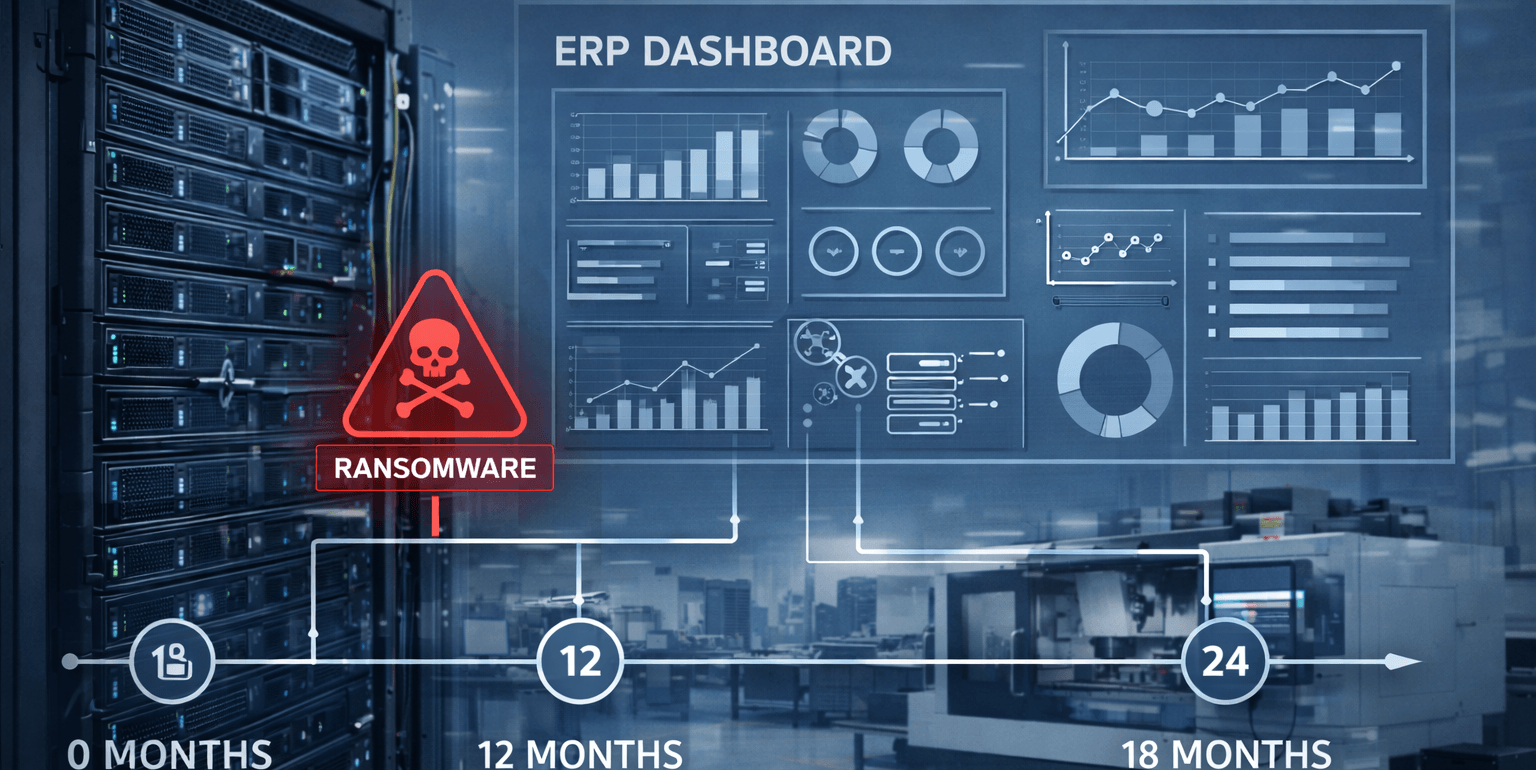
For many 20–100 employee manufacturers, the ERP server is the system that turns a cyber incident into an operational shutdown. If ransomware hits ERP or the identity systems controlling ERP, scheduling, purchasing, shipping, and invoicing can stop the same day. A practical target is to design recovery so ERP can be restored within 4–12 hours (RTO) with 1–4 hours of acceptable data loss (RPO), proven through quarterly restore testing.
The 7 ERP Ransomware Risk Checks (In Priority Order)
Remote Access Paths (Most Common Entry Point)
Attackers often reach ERP indirectly through weak remote access.
Common risks include:
-
- VPN or remote access without MFA
- Vendor access that isn’t restricted, time-bound, or logged
- Exposed RDP or loosely controlled remote tools
- Plan Identity & Privileged Accounts (The “Keys to the Kingdom”)
ERP incidents escalate fast when admin privileges are compromised.
What to look for:
-
- Shared admin credentials
- Admin accounts without MFA
- Service accounts with broad permissions
- No separation between daily user accounts and admin accounts
- Patch & Vulnerability Management (Silent Risk Accumulation)
Delaying patching to avoid downtime often increases the chance of a much longer outage.
Baseline expectation:
-
- Monthly patch cycle for servers/endpoints
- Emergency patching for actively exploited issues
- Segmentation (Containment)
A flat network lets one compromised workstation reach servers.
A simple, manufacturing-friendly model:
-
- Office network
- Production network
- Server zone (ERP + critical servers)
- Guest/vendor access isolated
- Endpoint + Server Detection (Catch the “Pre-Encryption” Phase)
Ransomware usually escalates privileges and moves laterally before encryption.
Minimum baseline:
-
- EDR on endpoints and servers
- Alerting on suspicious admin activity
- Central logs (even basic managed monitoring)
- Backups That Restore (Not Just Backups That Run)
ERP backups must be recoverable especially database-level restores.
Practical baseline:
-
- Immutable/offsite copies
- Monthly restore spot checks
- Quarterly ERP restore validation in an isolated environment
- Documented Recovery Targets (RTO/RPO)
Executives need clarity, not guesses:
-
- RTO: how fast ERP must be back (often 4–12 hours)
- RPO: how much data loss is acceptable (often 1–4 hours)
What “Good” Looks Like for ERP Ransomware Resilience
A resilient ERP environment typically includes:
- MFA for admin + remote access
- ERP isolated in a restricted server zone
- Least privilege + protected service accounts
- EDR on servers + endpoints with actionable alerts
- Restore-tested backups with documented results
Illustrative Scenario: Hardening ERP to Hit a 4–12 Hour Recovery Target
A 52-employee precision machining company in Los Angeles ran ERP on an aging Windows server. Backups were “successful” but never restored. After a phishing incident, attackers gained privileged access and began staging encryption.
After remediation:
- ERP access was restricted to a server zone
- Admin accounts were separated and MFA enforced
- Quarterly ERP restore testing was implemented
- Recovery time expectations were documented for leadership
Result: leadership gained predictable recovery expectations and reduced the chance of multi-day downtime.
Trust Signals
Manufacturing companies should look for:
- ERP stability + server monitoring experience
- Segmentation design for office/production/server zones
- Restore testing process with documentation
- Incident response readiness (clear escalation path)
Map Your ERP Ransomware Exposure & Recovery Time
ERP is the heartbeat of scheduling, inventory, shipping, and invoicing. If it’s compromised, production doesn’t just slow, it often stops.
Book a 30-minute call with Fothion today and we’ll:
- identify the most likely access paths to your ERP environment
- sanity-check segmentation and admin controls (MFA, privileges, remote access)
- confirm whether your ERP can be restored within a 4–12 hour target (and what to change if not)